Less Fog v2.2
Reduced the amount of fog.
(This cfg line may have trouble enabling automatically. To test if it is enabled or to enable it, press the tilde key “~” (no quotes) while in game (not title screen) in order to open console menu. Then paste e_svoTI_Troposphere_Active using ctrl+v in the box. If the value is 1, this means it is enabled and works properly) To enable line manually in game, just paste e_svoTI_Troposphere_Active = 1
If you have trouble pasting copied text in the game console menu, use ctrl+v to paste your copied text.
what is cool about using the console command is that you can enable or disable this line in real time while in game so you can easily compare the changes without having to reload the game. To view a video guide on how to enable in game, go to the videos section and check the video I uploaded.
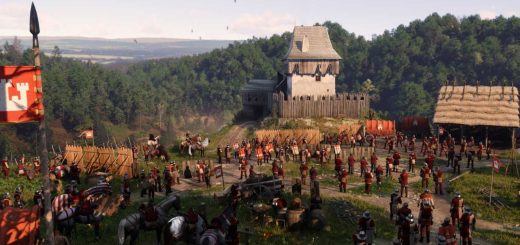
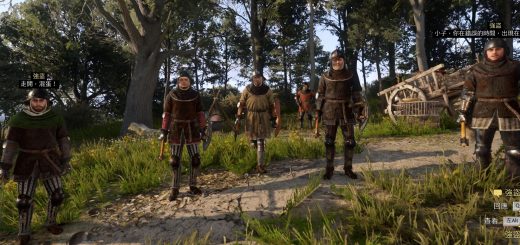
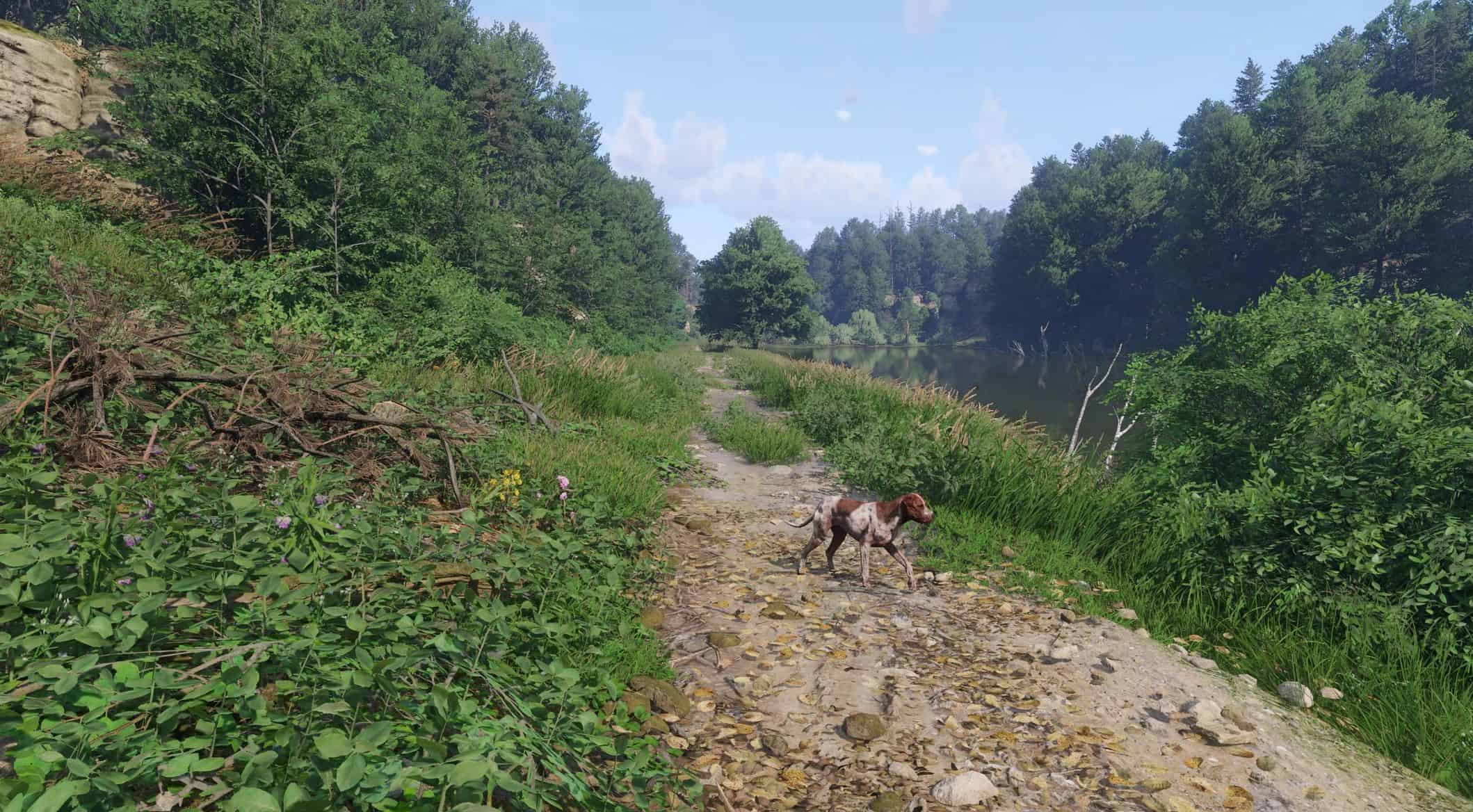
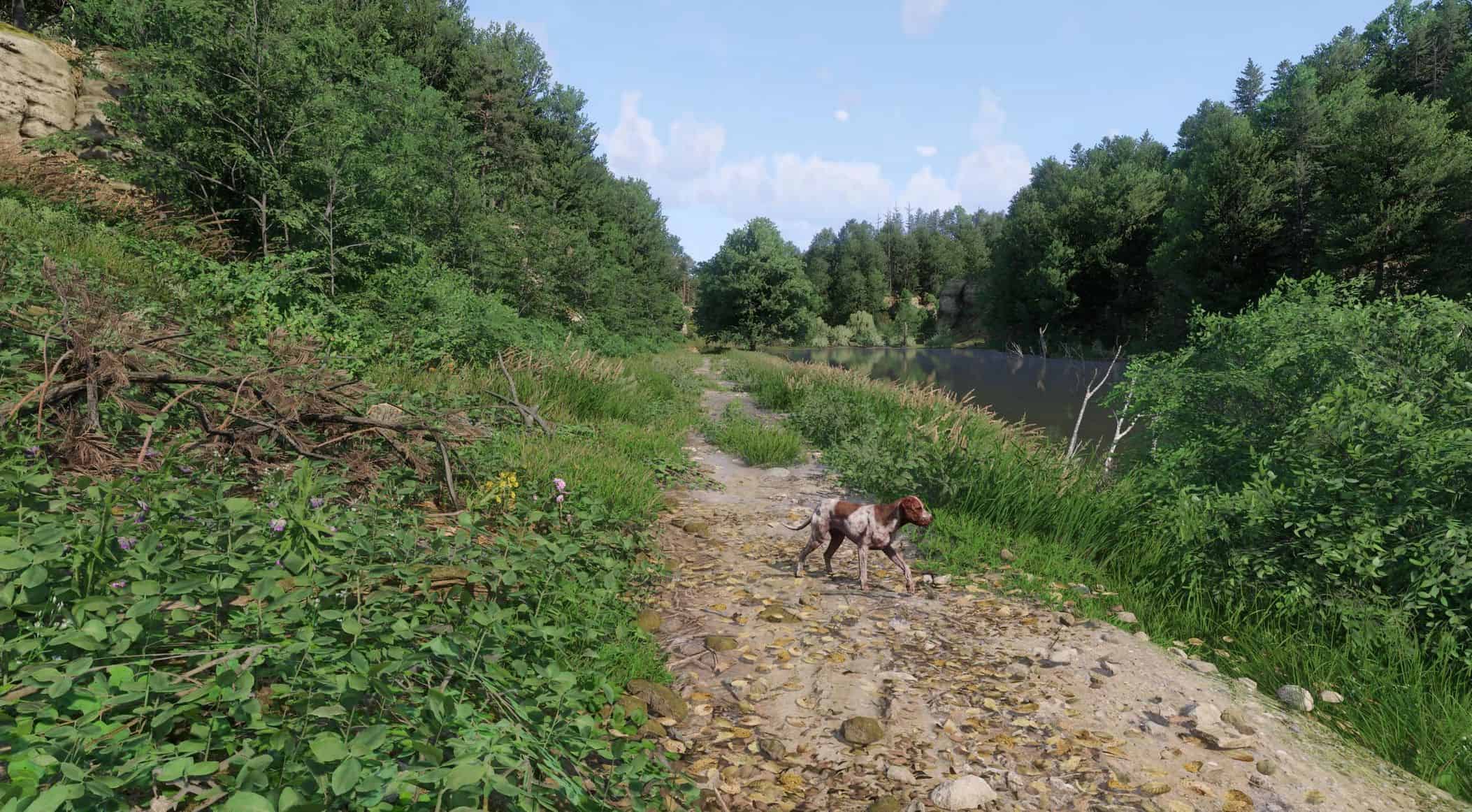
Simple cfg line which reduces the amount of fog in outdoor environments without eliminating it entirely. Increases overall clarity of the game by reducing nearby haziness caused by fog.
While there also is a line to disable fog entirely, this causes various visual issues one of which affects the visual quality of rain as some fog would still be needed for optimal effects.
Credit to BENDJ1 for the images.
If any issues making it work, feel free to ask.