Hard-Lock Combat Camera (No Auto-Unlock) v1.0
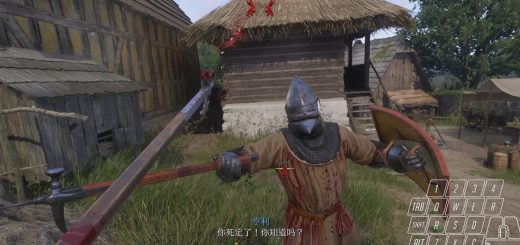
This mod eliminates accidental camera unlocking during combat. It allows you to freely snap your mouse for directional attacks and combos without breaking the target lock or shifting the camera.
You are locked in. This mod solves the issue where aggressive mouse movements—intended for directional attacks or blocks—are misinterpreted by the game as an attempt to unlock or look away.
By enforcing a “Hard Lock” configuration, this mod ensures that once you lock onto an enemy, your mouse controls your directional attack exclusively, giving you the precision for performing combos. This makes the only way to unlock is by holding the Middle Mouse Button (M3).
Installation Instructions
New Install (If you don’t have other user.cfg mods):
– Download this mod.
– Navigate to your Kingdom Come: Deliverance 2 root folder.
– Place the user.cfg file directly in this root folder alongside with system.cfg.
– Open Steam, right-click Kingdom Come: Deliverance 2, and select Properties.
– In the General tab, look for Launch Options.
– Add the following line to the text box:
-devmode +exec user.cfg
– Launch the game.
If you already use a user.cfg:
– Download this mod
– Open your existing user.cfg file.
– Copy the code inside this mod.
– Paste it at the bottom of your existing user.cfg file.
– Save the file.
– Ensure the game Launch Options still include -devmode +exec user.cfg