Very important activities v1.0.2
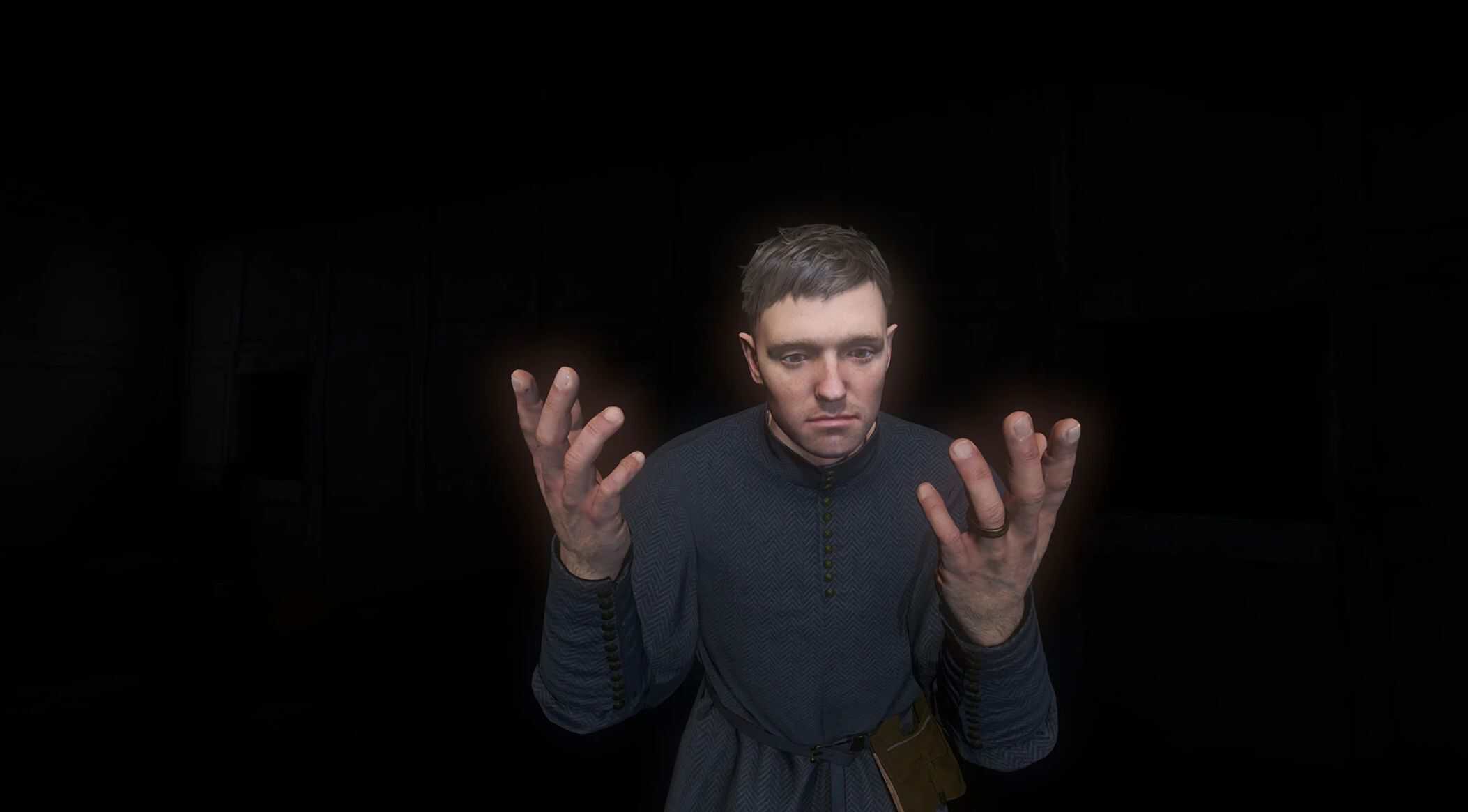
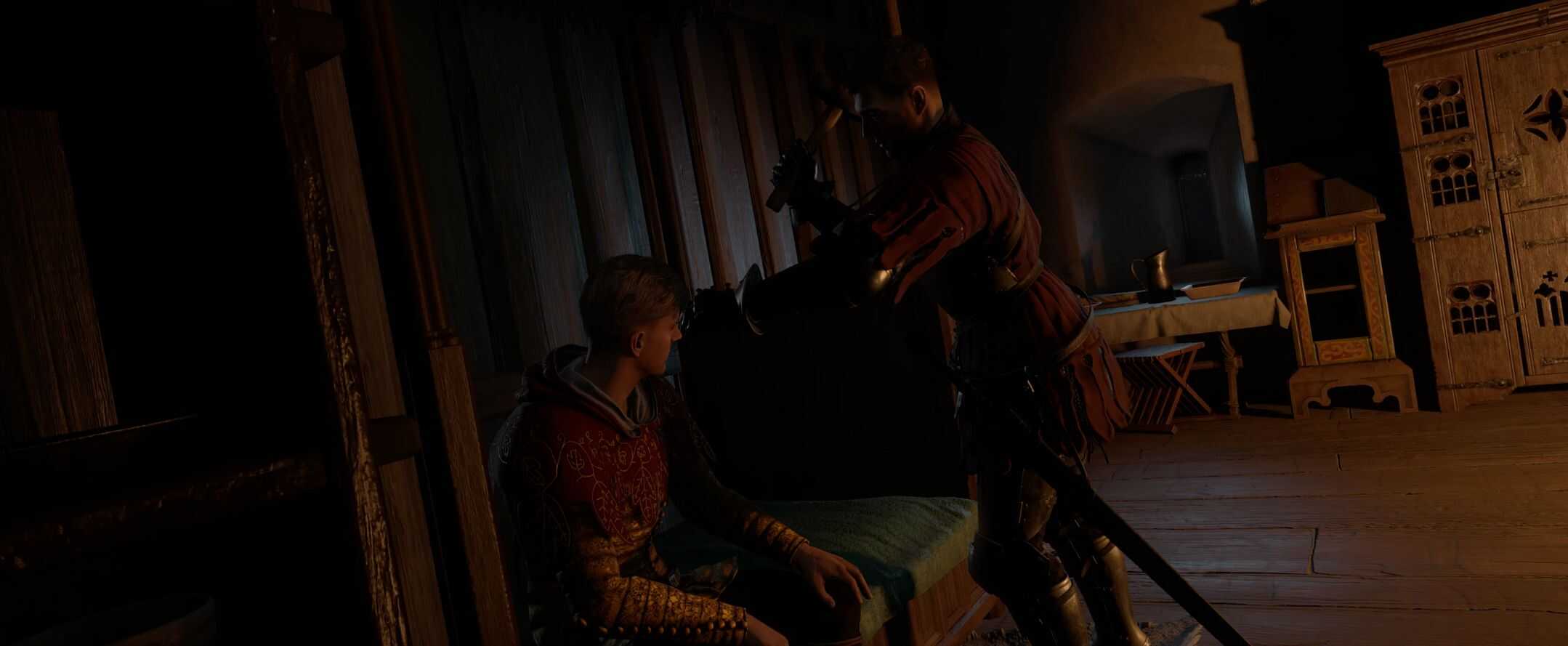
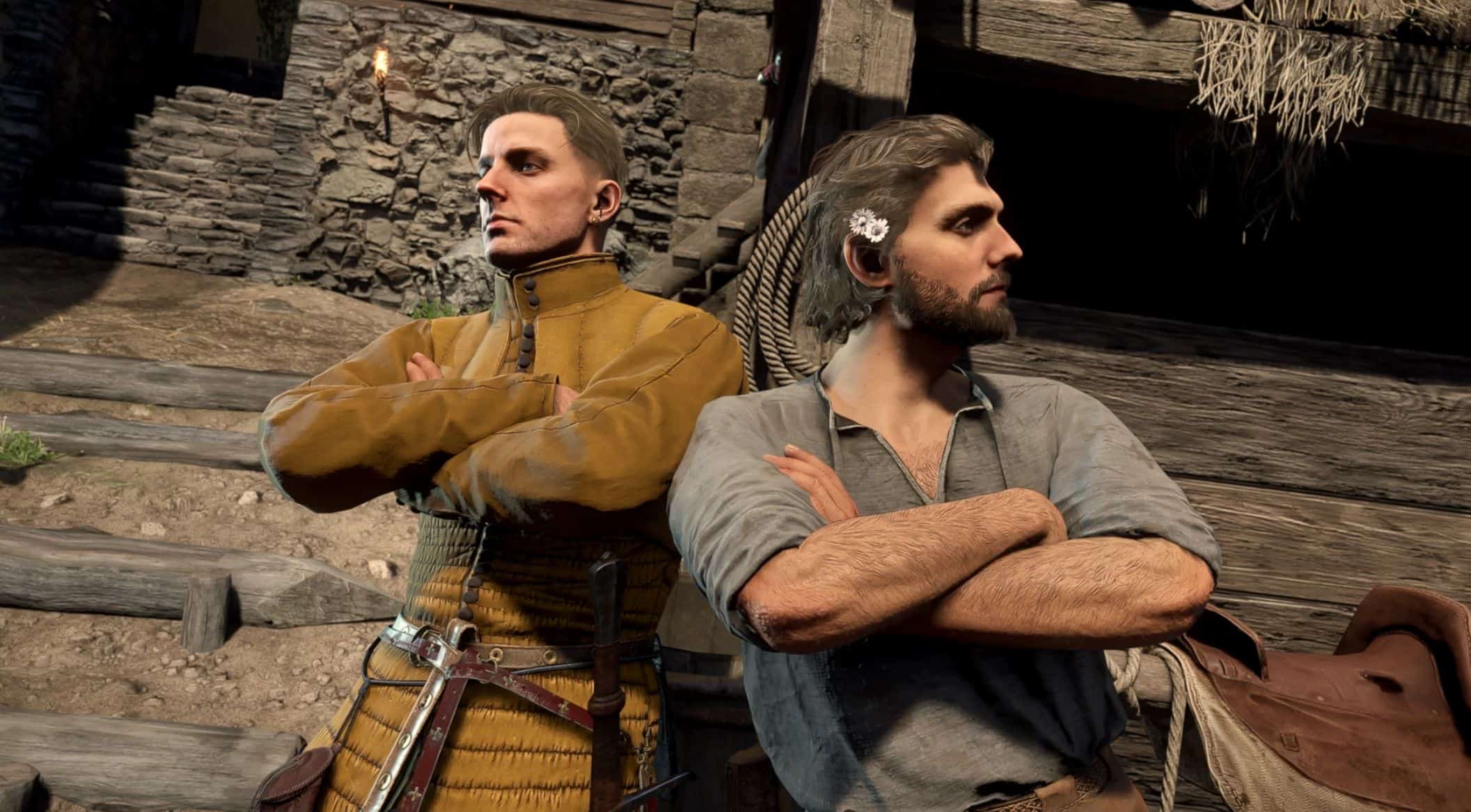
Lets you play animations on command. Some of them will resemble sensible actions, some are just fragments more suitable for taking pictures. Will come in handy for your photomode shenanigans.
Keybinding mod.
Has some extra mechanics packed in for selected actions.
Adds a set of actions which you can initiate either by using one of a console commands or pressing a key (if you tied a key to it). Big thanks to soriyumi and rainyknights for testing the mod and letting me use some of the images. Also, really appreciate MagusTheMagician for letting me use some of the commands from Save Me Henry mod. Check it out if you haven’t, it’s really fun.
Usage and compatibility
I recommend using some photomode mod, as it’s really hard to take pictures after certain animations due to camera collision. I’m using Jarraxx’s Freecam mod.
If you are using any other keybinding mod you may benefit from Destuur’s keybind merger. It combines various mods’ keybinding files so they could be used together. Full disclosure, the mod I’m linking may be flagged as a virus, but it was addressed in the comments, plus the modder is known for their utility tools and seems legit overall, so this is most likely a false positive. Still, use at your own risk.
You can also try and merge the conflicting files from different mods manually. There is an instruction in the articles section if you don’t know how to do it.
Fully compatible with SLowMoPokes’ Ragdoll Hotkey mod. May be compatible with any other mod which has some keys assigned, but doesn’t have the keybinding component. Will conflict with any mod which edits Barbora/open_world/pp_testing.xml in Skald.
Will be compatible with EddieShoe’s Unlimited Saving II mod and/or with djb’s Camping mod if you install one of the optional compatibility files.
You need to have -devmode enabled for this mod to work.
You can initiate an action either by putting one of the listed commands into the console or by tying a key to it in the game’s keybinding menu and then pressing that key.
How does it work?
It sets up a bunch of ItemClassTrigger nodes in Skald (checks if the required item is in player’s inventory), then lets you run a command to add a dummy item into Henry’s inventory, triggering the Skald sequence. The dummy item should be deleted without you noticing, so if there’s a cute cat icon in your inventory something isn’t working as it should. Everything works fine so far, but I don’t know if this way of doing things ha the potential cause bugs and performance issues or not.
If you want to run the commands instead of binding keys, you can look for them here under the spoiler tags or in the articles section. Alternatively, there’s a document in the game with them, plus you can just type VIA into the console and press the Tab key.
Most of the time you won’t be able to interrupt the animation.
The animation isn’t registered as an action. As far as game is concerned, Henry is just standing idle.
It probably only works for Henry and not for Godwin.
Optional files
Changes player’s collision size in the default normal stance (standing, running, walking while not in combat). Sets it to 0 or significantly decreases it, depending on which file you choose. Removes or decreases collision with human NPCs and some objects. Doesn’t remove collision with doors or walls. In certain cases allows to clip through small windows. Tremendously increases probability of bugs and being stuck.
DO NOT USE THE COLLISION FILE CONSTANTLY.
It is meant as something which may let you take better pictures. Or which may make them worse, hard to tell here. Also, it’s pretty fun to just run through people and fences, so there’s that.
The optional file edits player.lua script and won’t be compatible with anything else that edits it.
It is also a standalone thing and doesn’t require the main file to function.
Actions
Animations which somehow resemble complete actions. Why do some of them require items and have complex confusing mechanics tied in? Well, glad you asked, it’s just that I got a bit distracted and forgot it was supposed to be a photomode mod.
Piss
Self-explanatory. Doesn’t have any extra functionality. Doesn’t have any extra geometry, if you catch my drift.
Will look strange with the pappaskurtz’s Pizzles of Bohemina mod if Henry is naked, as his hands are either a bit lower or a bit higher during the animation, depending on which version you have installed.
VIA_piss
Vomit
Henry vomits. He will vomit unprompted right after receiving the food poisoning debuff and will proceed to vomit at random times while he has it. He can also vomit on command. It’s also possible to cure the food poisoning by vomiting on command and getting Henry’s nourishment to 0.
VIA_vomit
Sweep
Henry sweeps and gets a bit dirty. You will need a broom to sweep. Broom can be bought from some merchants or spawned with wh_cheat_addItem broom_item_via command.
VIA_sweep
Scrub floor
Henry scrubs floor with a brush and gets quite a bit of dirt on himself.
Brush is required for this. Brush can be bought from some merchants or spawned with wh_cheat_addItem brush_item_via command.
VIA_scrubfloor
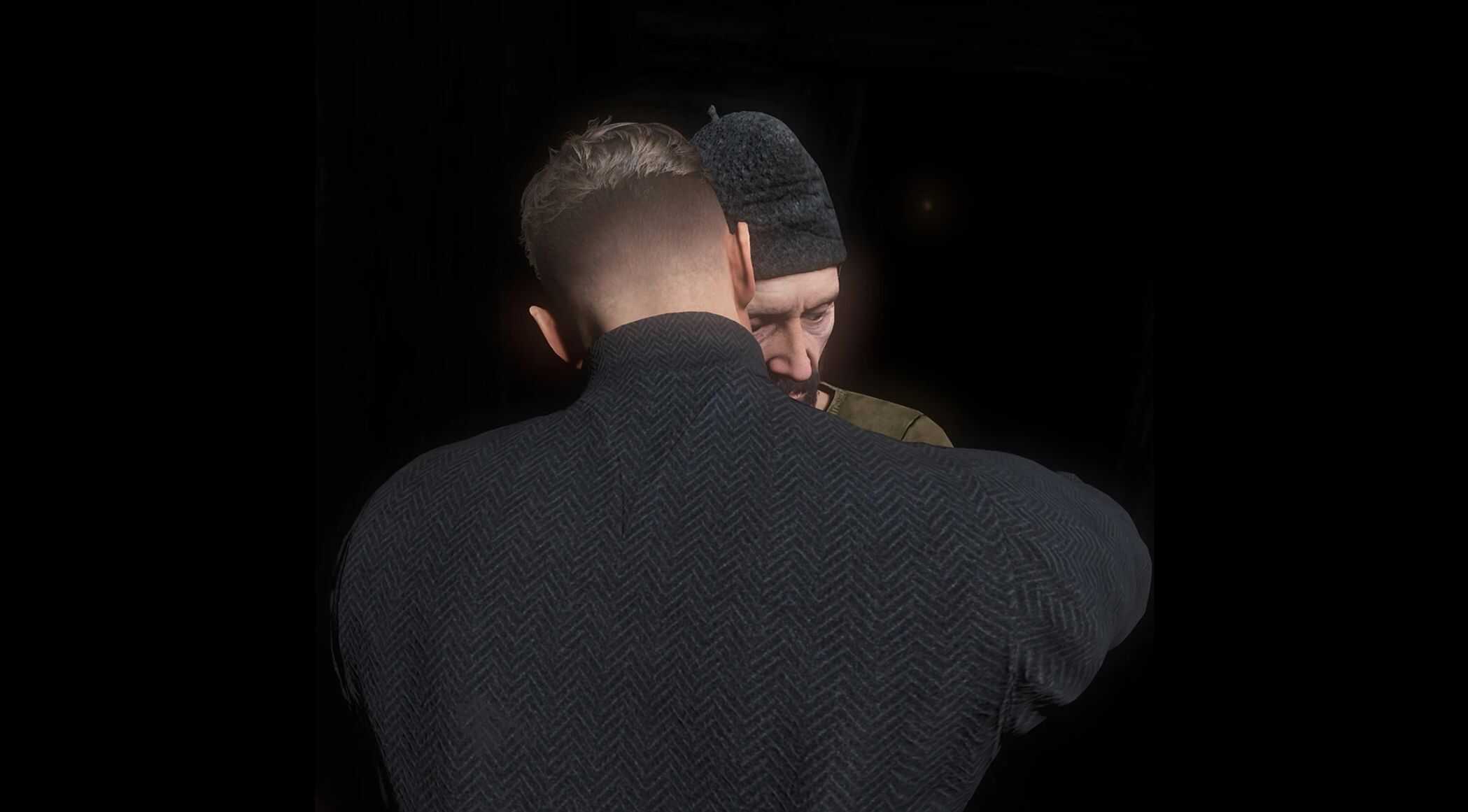
Hug
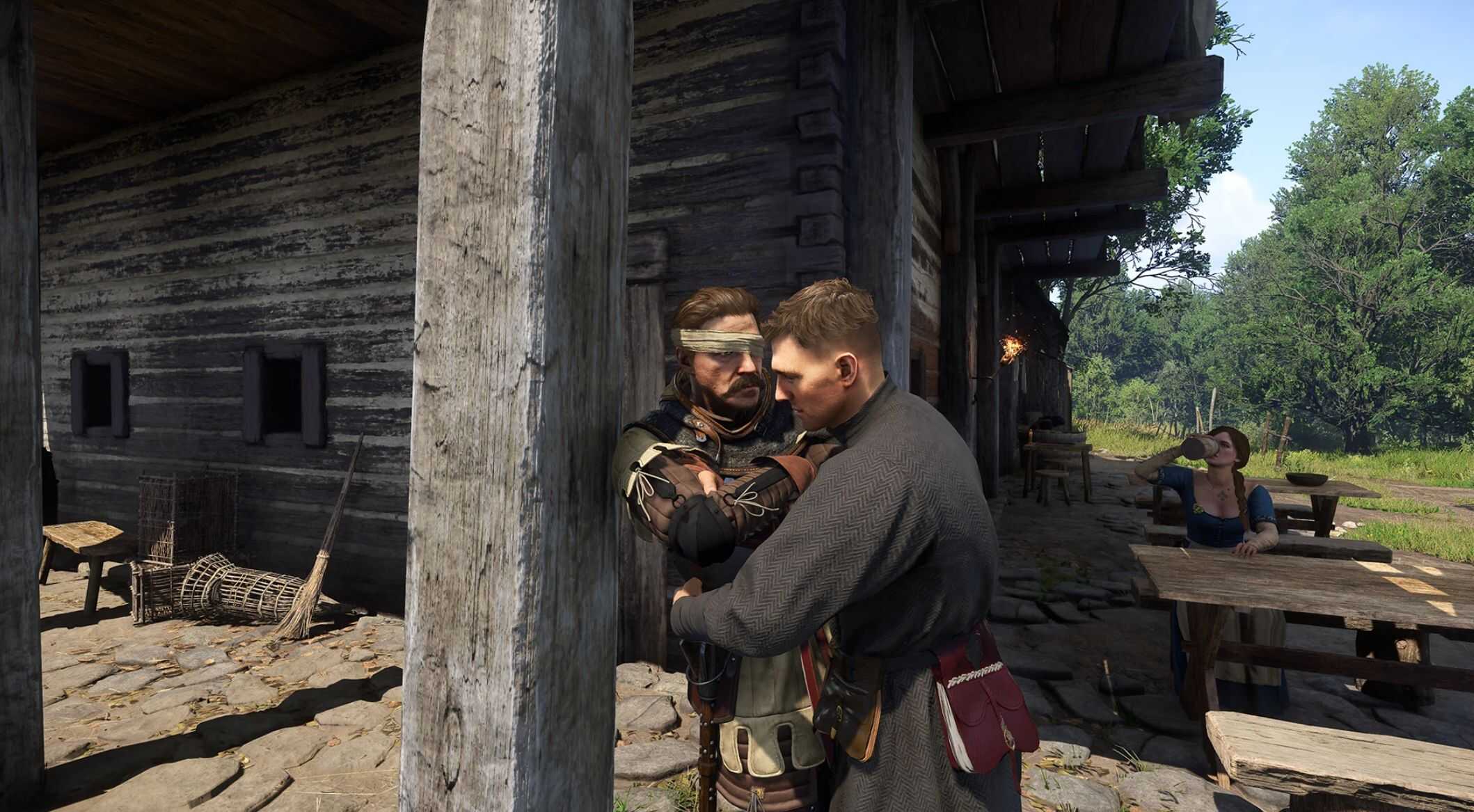
Henry “hugs” people. Which is a bit problematic due to collision and them not reciprocating. Catch them against something solid or use the optional file to remove the collision (I advice against using the optional file as a permanent thing though, it’s more of a utility for taking pics).
VIA_hug
VIA_hugshort
Warm hands
Henry warms hands. I recommend using it in front of a fire, otherwise it’ll look a bit strange.
VIA_warm
Poke fire
Again, recommend using this near fire. Or outside when Mutt is near, then it
becomes “I’m about to play fetch with my dog” animation.
VIA_pokefire
VIA_pokefirevar
Pray
Lets Henry pray anywhere. Praying will grant the usual praying buff, but only once a day.
VIA_pray for praying on his knees
VIA_praystand for praying while standing
Cross
Henry crosses himself. Doesn’t grant any buffs.
VIA_cross
Beg for money
Henry gets on his knees and begs for money. Movement is restricted, attacking isn’t. Press RMB to unlock rotation.
Press the tied key or execute the command again to get up. Press skiptime, skip some time and receive somehow random amount of money (increases based on how many hours you skipped and if Capon is near).
VIA_beg
Dance
It’s an animation for a pair, so may look a bit strange while Henry performs it alone. Still, he looks like he’s having fun swirling around, so why not.
VIA_dance
Applause
Plays cheering animation.
VIA_salutesad
VIA_salutehappy
Flute
Henry plays the flute. Requires a flute. Flute can be obtained from wherever it would be obtained in the vanilla game or by wh_cheat_addItem loot_flute command.
VIA_flute
Warhorn
Henry blows into the warhorn. Requires warhorn. Horn can be bought from some merchants or spawned with wh_cheat_addItem blowhorn_item_via command.
Henry’s hearing will be affected for a while after performing this action.
VIA_blow
Fall down
Plays some falling down animations.
VIA_drunkfall
Visor
Alternative visor toggle with a simple hand animation. Adds an invisible item to your inventory when visor is closed using this method, so the weight should get +1. Due to how it works and the existence of the vanilla toggle may sometimes run empty and not open/close the visor. If you aren’t consistently using the vanilla toggle along with it, this thing shouldn’t happen often.
VIA_visor
Spill liquid
You can spill liquid if you have it. Liquid will then be gone forever. Most likely won’t work anymore if Henry cooked man’s best soup in the endgame.
VIA_spill
Denounce alcohol
Plays the same animation as spilling liquid, but you have to spill something containing alcohol and thus gain a chance to cure Henry’s alcoholism.
The higher alcoholism stage, the lower chance of curing it is. Every spilled drink adds to the probability, every consumed drink lowers these gained probability points.
That is, in theory. I haven’t actually tested it and not sure if my logic is correct.
Liquid will be gone for good after you spill it. Most likely won’t work anymore if Henry cooked man’s best soup in the endgame.
VIA_rejectalcohol
Take a bath
Henry “gets into a trough” and sits like that until you move. If you align him just right, it will actually look like he’s sitting in the bathtub. Otherwise… Well, you will see.
VIA_bath
Greetings
Greeting (bow)
VIA_greetbow
Greeting (wave)
This one is really short.
VIA_greetwave
Lure
Basically it’s a street salesman animation.
VIA_lure
Come here
Come here gesture.
VIA_comehere
Be tired
Exhausted animation.
VIA_betired
Self-help
Didn’t know what to name it. I think it’s wounded NPC curing themselves animation, but it doesn’t resemble bandaging or curing much as a standalone thing.
It’s more or less also being exhausted and a bit miserable.
VIA_bandage
Bend
Lean down and look at the ground.
VIA_bend
Stop licking
Same as bend, but Henry will touch whatever is on the ground and then bring his hand to his mouth.
VIA_stoplicking
Show off
For showing off.
VIA_showoff
Fragments
Animations which are really short or strange outside of context and are more suitable to use in the photomode.
Point down
VIA_pointdown
Raise finger
VIA_emphasis
Leaning
Henry leans one way or another. The animation is supposed to happen near some solid object, so do it near a wall or a column or it will look a bit strange. The animation is looped, but the method is not ideal, so Henry will try to return to his idle stance every time the fragment ends, which may be a bit irritating. Press the button or run the command again to get out of the loop.
VIA_leanback
VIA_leanleft
VIA_leanright
Climb
Plays climbing animation from the maypole quest. The animation is long, Henry will climb up on the spot regardless of what is in the way, then will climb down.
VIA_maypole
Laying under tree
Makes Henry lay down like in the animation under the forge tree, but then instantly get up. It is really fast.
VIA_undertree
Hangman animations
Plays hanging animation. No rope. Can pretend to stand on shallow water this way.
VIA_hangman
VIA_hangmanvar
Dead
Plays different death animations. Not very suitable for just falling down as some of them make you see through Henry’s body. If you are after ragdolling on command you should check out SLowMoPokes’ Ragdoll Hotkey mod.
VIA_dead
Hammer
Plays repairing fence animation, spawns hammer.
VIA_hammer
Picking/placing
Empty picking/placing animation. They are pretty similar.
VIA_picking
VIA_placing
Healing patient on the bed
Isn’t actually tied to a bed, so align Henry yourself for desired results.
VIA_healingbed1
VIA_healingbed2
Sit tied
It is very fast, so I “looped” it to play every time it ends. However, because Henry will always try to get back into his idle stance, he keeps getting up/down really fast. Just a warning, it is really twitchy, nauseating and irritating. Run the command or press the button again to get out of the loop.
VIA_tied
Release someone tied
Plays cutting ropes off someone animation.
VIA_release
Admire art
Henry looks at the spawned paper, then at whatever is in front of him.
VIA_admireart
Check chest/stash animation
Isn’t tied to an object.
VIA_checkchest
VIA_checkstash
Dance invite gesture
VIA_danceinvite
Giving food to beggar animation
Isn’t actually an action and doesn’t spawn “real” food.
VIA_priestgive
Loiter
Idle guard animations.
VIA_loiter
Drag or Be dragged
Animation from that one quest where Henry is stuck under a horse.
VIA_drag
VIA_bedragged
Use knife
Short animation with a spawned knife.
VIA_knifedeer
Door actions
Aren’t actually tied to doors.
VIA_nervedoor
VIA_doorkick
VIA_doorbreak
VIA_doorcloselock
VIA_doorlocked
Look
Baker checking something animation. Resembles just curiously looking/peeking at something.
VIA_bakerlook
Touch (dough)
Baker checking dough animation.
VIA_bakertouch
Sprinkle flour
Spawns a bit of flour in the air.
VIA_bakerflour
Bend water
Spawns a bit of strange-looking water in the air.
VIA_bakerwater
Murder that one guy/That one dead guy
VIA_murdersigi
VIA_deadsigi
Levitating but cool
Not sure what to call it. Contains some cool-looking poses and a bit elevated from the ground.
VIA_elevatedpose
Sharlatan animation
Pretend to be possessed. Or something like that.
VIA_sharlatan
Killing and then dying
VIA_daggerstanding
VIA_daggerground
VIA_choke
Horse stuff
VIA_horsecare
VIA_horsecarevar
VIA_horsepetlong
VIA_horsepetshort
Floor repair
Doesn’t spawn a hammer. It’s more like kneeling and touching something on the floor.
VIA_floor
Come here urgent
Quite similar to come here gesture, but is meant for a commander in battle, thus it’s a bit more sharp around the edges.
VIA_comeherebattle
Teleports
Teleport Capon into Henry or Henry into Capon on command. In a very Eldritch horror kind of way. DO NOT USE IT if Capon is in inaccessible location due to the main quest. I don’t know what will happen. You have been warned.
VIA_teleporttoptacek
VIA_teleportptacektohenry
To stop Capon in place run VIA_npcstopped then VIA_teleportptacektohenry.
Settings
Stop/resume NPC activities
Press to freeze, hold to resume.
Stops NPC activities. They will continue doing whatever they were doing and may even move to their next destination, but they won’t pick the next one.
VIA_npcstopped
VIA_npcswalking
Stop/resume animations
Freezes all animations. Press to freeze, hold to resume.
VIA_disableanimation
VIA_enableanimation
Stop/resume both NPC activities and animations
Combines both commands into one.
Press to freeze, hold to resume.
VIA_stop
VIA_continue
Make animations playable only when the key is pressed
All animations will freeze and only play when you hold the designated key.
To unfreeze them for good hold the Stop/resume animations key, or run VIA_enableanimation command, or run ca_NoAnim 0 command.
Make camera orbit someone
Press to orbit someone, hold to revert to initial state.
VIA_followhenry
VIA_followptacek
VIA_followmutt
VIA_follownone
Exclamations
Requests voice lines from Henry. There’s two commands for each type: one is a simple command which requests monologue, another one is a command which tells the game to request the monologue every time the animation from this mod is played (for most animations).
Most of the time if the animation is playing pressing the exclamation key will do nothing. However, you can still put required command manually into the console. Pressing exclamation and animation keys at the same time should trigger both.
A demon
Request line
VIA_demon
Set mode (hold to disable)
VIA_demonactive
Hahahehe
Request line
VIA_hahahehe
Set mode (hold to disable)
VIA_hahaheheactive
Cough
Request line
VIA_cough
Set mode (hold to disable)
VIA_coughactive
Quite hungry
Request line
VIA_hungry
Set mode (hold to disable)
VIA_hungryactive
Misery
Request line
VIA_suffer
Set mode (hold to disable)
VIA_sufferactive
Disable monologue mode for animations
VIA_disablemonologue
Utilities without keybinds
Command list
Adds the command list into inventory. You can also buy this thing from some merchants.
VIA_commandletter
All required items
Adds brush, flute, horn, broom. They can also be purchased from some merchants.
VIA_requireditems
Remove begging debuff
If you noticed Henry started to get hungry and sleepy very fast, it could be the begging debuff being applied to him when it shouldn’t.
VIA_removebeggingdebuff
Debugging stuff
If animations refuse to unfreeze use the ca_NoAnim 0 command.
If NPCs refuse to resume walking around use wh_ai_PathFinderEnabled 1 command.
If you can’t get camera back to normal use wh_pl_FollowEntity 0 command.
If you want camera to orbit someone who doesn’t have the command listed use wh_pl_FollowEntity soul_name (for example for Capon it would be wh_pl_FollowEntity tkop_ptacek).